
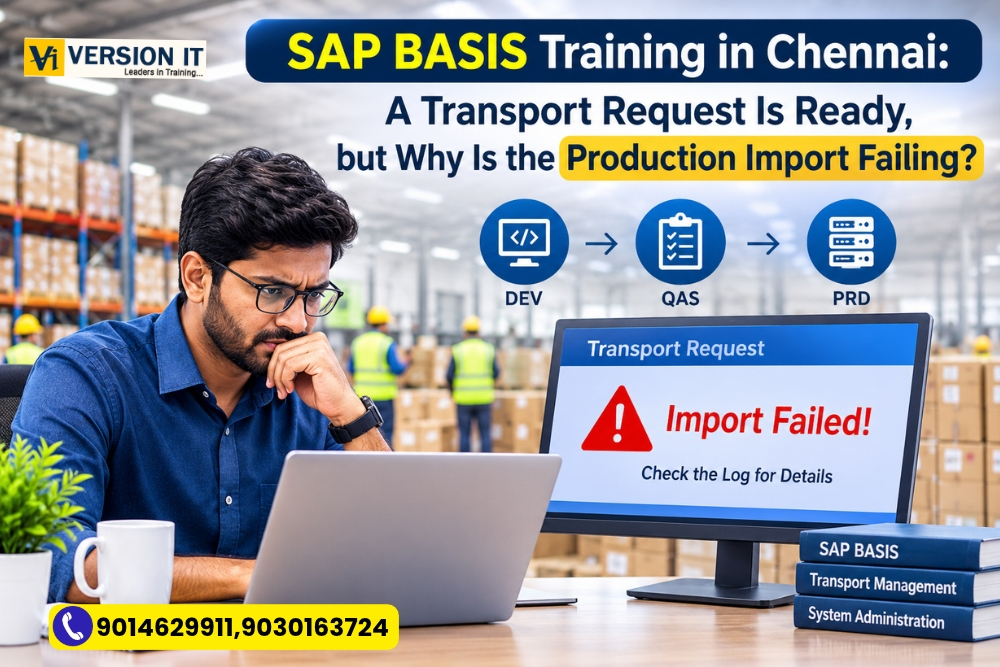
This is Friday evening and the team working on the SAP application is about to publish a critical application update. The developers have finished developing it in the development system and the functional team have completed testing it in quality.
Production deployment will be done on the weekend.
The BASIS administrator starts the transport import. After a few minutes, errors are seen in the import log. The team can’t say for sure if the changes are ready to be made in production.
The project manager desires a prompt answer. Technical feedback from the developers is awaited and the business team is waiting for the update.
It is not uncommon when implementing an SAP project. Release schedules can be impacted by transport-related issues, and solving these issues takes more than knowledge of importing a request.
This is one of the crucial areas for persons who are interested in SAP BASIS Training in Chennai. Let’s explore how one of the administrators at a BASIS school would handle this situation.
The Project Setup: Three Systems, One Important Change
Imagine a manufacturing company that has an SAP landscape with three environments:
- DEV: Development and configuration activities take place here.
- QAS: Functional and technical teams validate changes here.
- PRD: Employees use this live environment for business operations.
A company wishes to roll out a new configuration of purchasing approvals.
A functional consultant carries out the necessary changes in DEV and creates a transport request in customizing. After completed, request is released and passed on to QAS.
The testing team verifies the new approval process is functioning properly.
The request must now get to PRD.
This is where the BASIS administrator takes responsibility for the technical transport process.
An investigation which is the first, Is the Transport Request Ready?
The administrator verifies the transport request before he tries an import again.
Administerer can review the request, tasks and its released status with the help of transactions SE09 and SE10.
A request not released can not be imported to the next system by following the normal import process.
The administrator checks:
- Is transport request released?
- Do all mandatory items have been done?
- Are the objects in the request(s) present?
- Is it the right request to be approved for production release?
This is the first check that is important as sometimes the cause of the problem is not the import itself. The request might not be ready for yet.
What is in the “Import Queue”?
Once the status of the request has been confirmed, the administrator opens the Transport Management System by using STMS.
STMS is a significant tool to manage transports between the connected SAP systems.
The administrator reviews the production import queue to see if the desired request is present in the queue.
The queue allows administrators to see what transports are waiting to be imported into a specific system.
At this point, there are three questions that are important:
- Has the desired request been placed in the production queue?
- Does the transporting sequence make sense?
- Have all dependent requests been imported?
This is the third point that should be noted.
Suppose a new ABAP program relies on a data dictionary object which was created in another transport request. Importing of the program alone may not yield the desired result if the necessary dependency is not installed.
Before proceeding, it is important to check the transport dependency.
The problem is not the import log, it’s what was in it.
The administrator begins to analyze the import logs instead of repeating an operation over and over.
When using the import feature, SAP transport logs contain details of the various phases of an import. They assist technical teams to know if the process has been successful or if it has encountered problems.
For instance, the import might display warnings or errors in objects, depending, configuration or system conditions.
The following are helpful hints on the SAP transport return codes:
Return code General interpretation
0 Import completed successfully
4 Warnings occurred
8 Errors occurred
12 or higher Serious errors requiring investigation
The return code isn’t necessarily sufficient to describe the full issue. The administrator’s responsibility is to check the detailed logs in order to determine the real cause.
If the log says that an object could not be imported properly due to a dependency problem, there is a problem.When an object fails to import properly due to a dependency problem, there’s a problem.
The BASIS administrator presents the results to the development team responsible for the activity. The developer verifies transport and determines what extra transport is needed.
This is a preferable way to change the production system rather than making random changes.
The Team Finds the Missing Dependency
Investigating it, the team finds out that there was no supporting configuration request in the original release sequence.
That configuration is used for the new purchasing approval process.
The development and function teams check the missing request and ensure it has been tested.
Next, the BASIS administrator works to coordinate the next steps:
First: Ensure that the missing request has been approved for the target system.
Next: Check the transport sequence with the project team.
Then: Import the requested item(s) as per approved release procedure.
Last but not the least: Check the import logs and communicate with the development team.
Upon availability of the dependency, the team can continue with the remaining transport activities.
The key message is that the importance of the lesson should be to ensure that transport errors are systematically investigated. However, if the same request is repeated multiple times without an understanding of the error, it can be a time-consuming and complicating process.
After a successful import, what does the BASIS Administrator do?
Importing a successful product does not necessarily mean the end of the release activity.
The administrator should validate the expected outcome in the import logs and share the outcome with the appropriate teams.
Further checks might be needed, depending on the change.
For example:
- The functional consultant checks the purchasing approval process.
- The ABAP developer tests if related programs function properly.
- BASIS administrator checks any other technical warning.
- Business team validates the new process.
Post deployment, if a problem arises, the team responsible investigates the problem via the appropriate support process.
Changes to production should always be made in accordance with organisation’s approval, test and change-management procedures.
The five questions every new BASIS administrator should be able to answer.
It is more beneficial to know the entire process than just transaction codes.
In learning about transport management, students should be able to discuss:
- What is the difference between a Workbench and Customizing request?
Workbench requests generally contain repository objects, while Customizing requests record configuration changes.
- Why is STMS important?
It assists administrators to handle the transport landscape, import queues and transport activities.
- An import log provides information about:
It gives details of the processing steps and can be used to detect warnings or errors.
- Why is it important for the transport sequence to be correct?
There are some changes that rely on other configuration settings or objects. All of the required dependencies need to be available and in the proper order.
- Who is responsible for determining if there is a change?
This is in line with the process of releasing and approving the organisation. The production approval is not a single technical decision, but it is coordinated by BASIS administrators in the technical import.
A Learning Challenge for Students.
Students should learn the transport management by following a complete transport scenario in a training landscape, rather than through classroom explanations.
Request your trainer to show an example of your request going from DEV to QAS.
Watch the request in SE09 or SE10, check the contents of the request, check the import queue in STMS and read the logs after import.
Compare a successful import log to a sample import log with warnings.
Attempt to give reasons and who should investigate the problem.
In this exercise, participants will learn the mindset they should adopt while working on an SAP technical support project and troubleshooting. Any import experiments should be conducted in an approved non-production facility.
Using Version IT to prepare for SAP BASIS Project Responsibilities
SAP BASIS professionals deal with a wide range of responsibilities, including transport management. Administrators also apply real-world tools for system monitoring, user administration, background jobs, client management, system maintenance, and troubleshooting in real projects.
Version IT offers structured learning and experience to further develop students’ knowledge of these activities in the context of SAP administration.
In SAP BASIS Training in Chennai, the goal should be to comprehend the working of SAP systems as a whole, the control of changes, and the contribution of the technical teams to business applications.
A good BASIS professional is not just an importer. They know what is being transported, for what purpose and how things might possibly go wrong as well as how to cooperate with the teams involved in the change.
This experience is what makes transport management as one of the crucial skills in an SAP project.